
If you want to remove the CGS Labs software, you have two options.
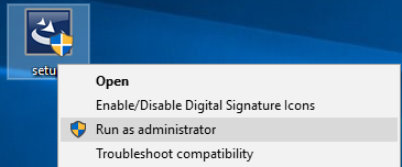
- Run installation file (same version that is installed) as administrator
- Go to Apps and features, find the CGS Labs Civil Solutions 2020 and click Uninstall.

The next steps are the same regardless of which option do you choose.
STEP 1:
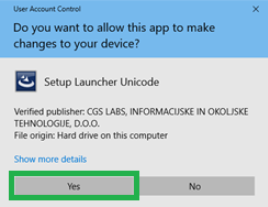
Confirm you want to proceed.
STEP 2:
Confirm you want to completely remove the software.

Wait for the uninstall process to complete.
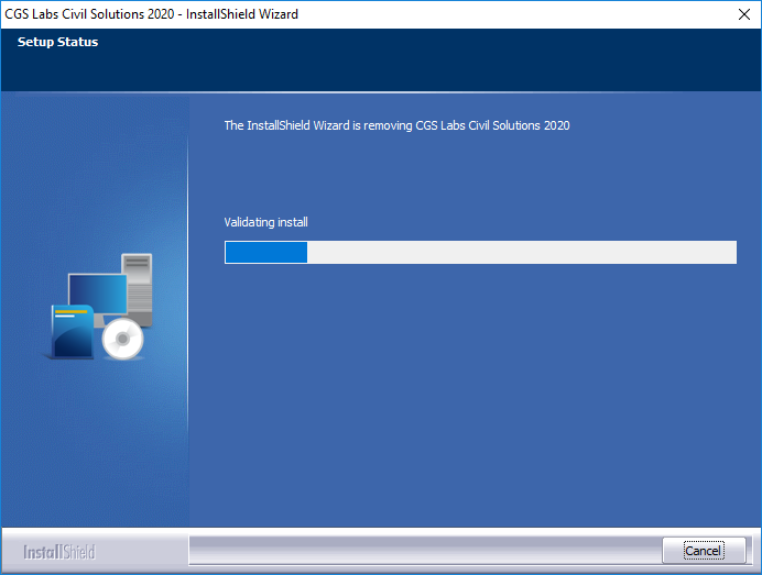
The uninstall process is completed.
STEP 3:
Click Finish to close the window.
