
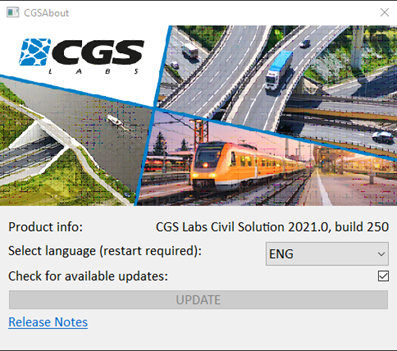
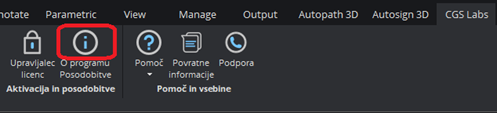
You can change the language within CGS Labs SW. Open Version/Update icon from ribbon or menu.
Change language to the desired one (installed languages are available on the drop-down menu).
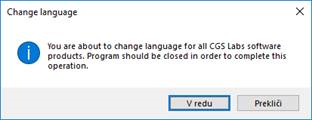
After that, your CAD will close.
Reopen CGS Labs SW, the chosen language is now set as active.