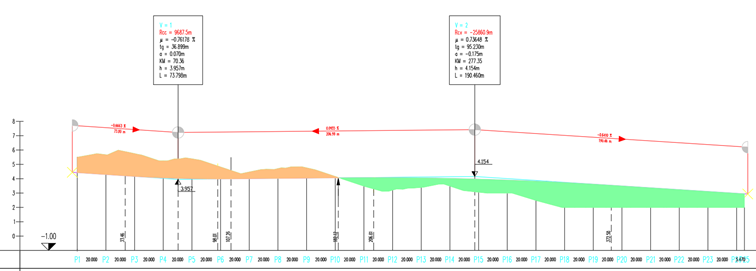
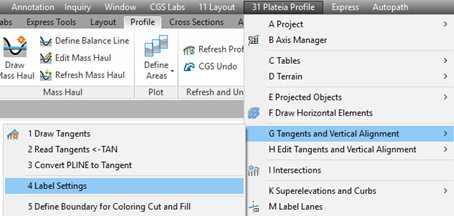
If you want to color the cut and fill areas in the profile, select the Label Setting command.
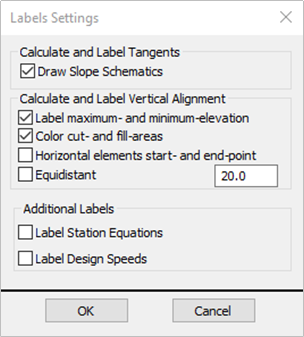
In the following dialog box tick the Color cut- and fill- areas check box. After pressing OK select the tangent labels position and press Enter.
When editing tangents by using Plateia commands, values in the tables will be updated automatically.